

Digitizing 8mm Tape Digitization Made Easy
If you’re anything like me, you’ve probably stumbled upon a dusty box of old 8mm cassette tapes in your attic or closet. Those little tapes hold priceless memories - birthday parties, family vacations, and moments that make you smile just thinking about them. But here’s the catch: those tapes won’t last forever. The colors fade, the tape degrades, and soon, those memories could be lost. That’s why digitizing your 8mm tapes is such a game-changer. And guess what? It’s easier than you think!
Why 8mm Tape Digitization Is a Must-Do
Let’s be honest - 8mm tapes are a bit like dinosaurs in the tech world. They’re charming, nostalgic, but not exactly practical anymore. Digitizing them means you’re preserving those memories in a format that’s easy to watch, share, and store. Plus, digital files don’t degrade over time like physical tapes do.
Here’s why you should consider digitizing your tapes sooner rather than later:
Preservation: Magnetic tape deteriorates with age. Digitizing stops the clock.
Convenience: Watch your videos on your phone, computer, or TV without bulky equipment.
Sharing: Easily send your family and friends copies of those special moments.
Editing: Want to create a highlight reel or add music? Digital files make it simple.
I remember the first time I digitized my parents’ re-wedding video. Seeing their smiles in crisp, clear quality on their smart TV was priceless. It felt like bringing history back to life!
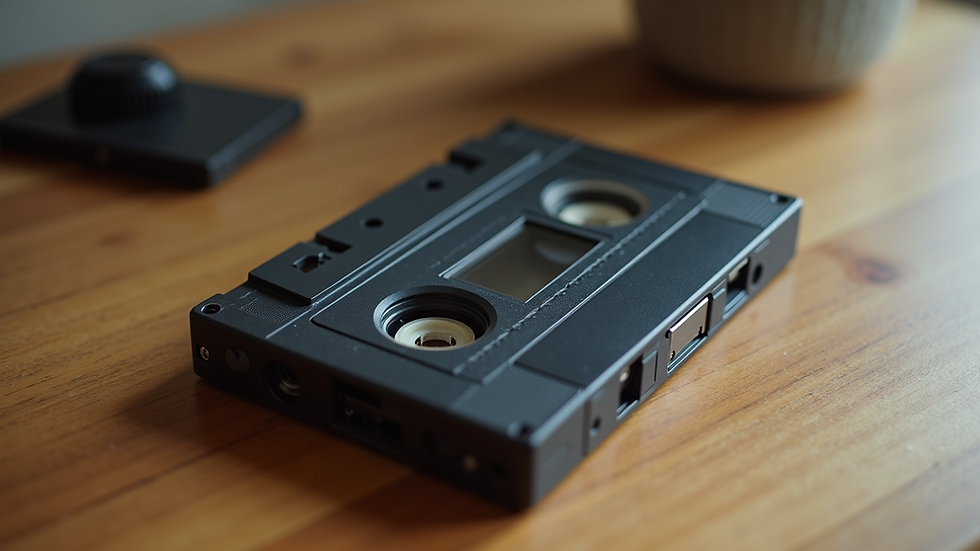
How to Get Started with 8mm Tape Digitization
Now, you might be wondering, “Okay, but how do I actually do this?” Don’t worry, I’ve got you covered. There are a few ways to digitize your tapes, and I’ll walk you through the easiest options.
Option 1: Use a Professional Service
If you want the best quality and zero hassle, professional digitization services are fantastic. You send in your tapes, and they handle the rest - cleaning, transferring, and even enhancing the video. It’s perfect if you have a lot of tapes or want the highest quality.
Option 2: DIY Digitization
Feeling adventurous? You can digitize tapes at home with some basic gear:
A working 8mm tape player or camcorder: This is essential to play your tapes.
A video capture device: This connects your player to your computer.
Software: Programs like OBS Studio or VLC can capture the video feed.
Here’s a quick step-by-step:
Connect your 8mm player to the capture device.
Plug the capture device into your computer.
Open your capture software and start recording.
Play the tape and let the software record the video.
Save the file in a digital format like MP4.
It might sound technical, but once you get the hang of it, it’s pretty straightforward. Plus, it’s a fun project!
Can you convert old cassette tapes to digital?
Absolutely! Whether it’s 8mm tapes, VHS, or even audio cassettes, converting old tapes to digital is totally doable. The key is having the right equipment and a bit of patience.
For 8mm tapes, the process is similar to what I described above. The main challenge is finding a working player since these tapes are less common now. But once you have that, the rest is just capturing the video.
Here are some tips to make the conversion smoother:
Clean your tapes and player heads: Dust and dirt can cause playback issues.
Test the tapes first: Make sure they still play before digitizing.
Use good quality cables: This helps maintain video quality.
Be patient: The digitization happens in real-time, so a 60-minute tape takes 60 minutes to convert.
If you’re unsure about doing it yourself, local experts can help. They often have the right gear and experience to get the best results.

Tips for Preserving Your Digitized Memories
Once you’ve got your videos in digital form, don’t just stash them away on your computer. Here’s how to keep those memories safe and accessible:
Back up your files: Use an external hard drive and cloud storage. Redundancy is your friend.
Organize your videos: Create folders by year, event, or family member. It makes finding videos a breeze.
Create copies for family: Share the love by giving relatives copies on USB drives or DVDs.
Consider editing: Trim out boring parts, add titles, or make a montage. It’s a fun way to relive memories.
Label your original tapes: Keep them safe and labeled in case you want to digitize again with better tech later.
I like to keep a “family memories” folder on my cloud drive. Whenever I want a nostalgia hit, it’s just a click away.
Where to Go from Here?
If you’re ready to take the plunge, you might want to check out local services that specialize in 8mm cassette tape to digital conversion. They know the ins and outs of preserving Southern California family memories and can guide you through the process.
Remember, digitizing your tapes isn’t just about technology - it’s about preserving your family’s story. Those moments captured on 8mm tapes are treasures, and bringing them into the digital age means they’ll be enjoyed for generations to come.
So, what are you waiting for? Dust off those tapes, grab a cup of coffee, and start your digitization journey today. Your future self (and your family) will thank you!
Live, Laugh, Love, Transfer!
Happy digitizing!


Comments